FROM THE FIRST TAKE TO THE FINAL TOUCH
A riff. A beat.
Suddenly, a song.
Record
Capture what
moves you.
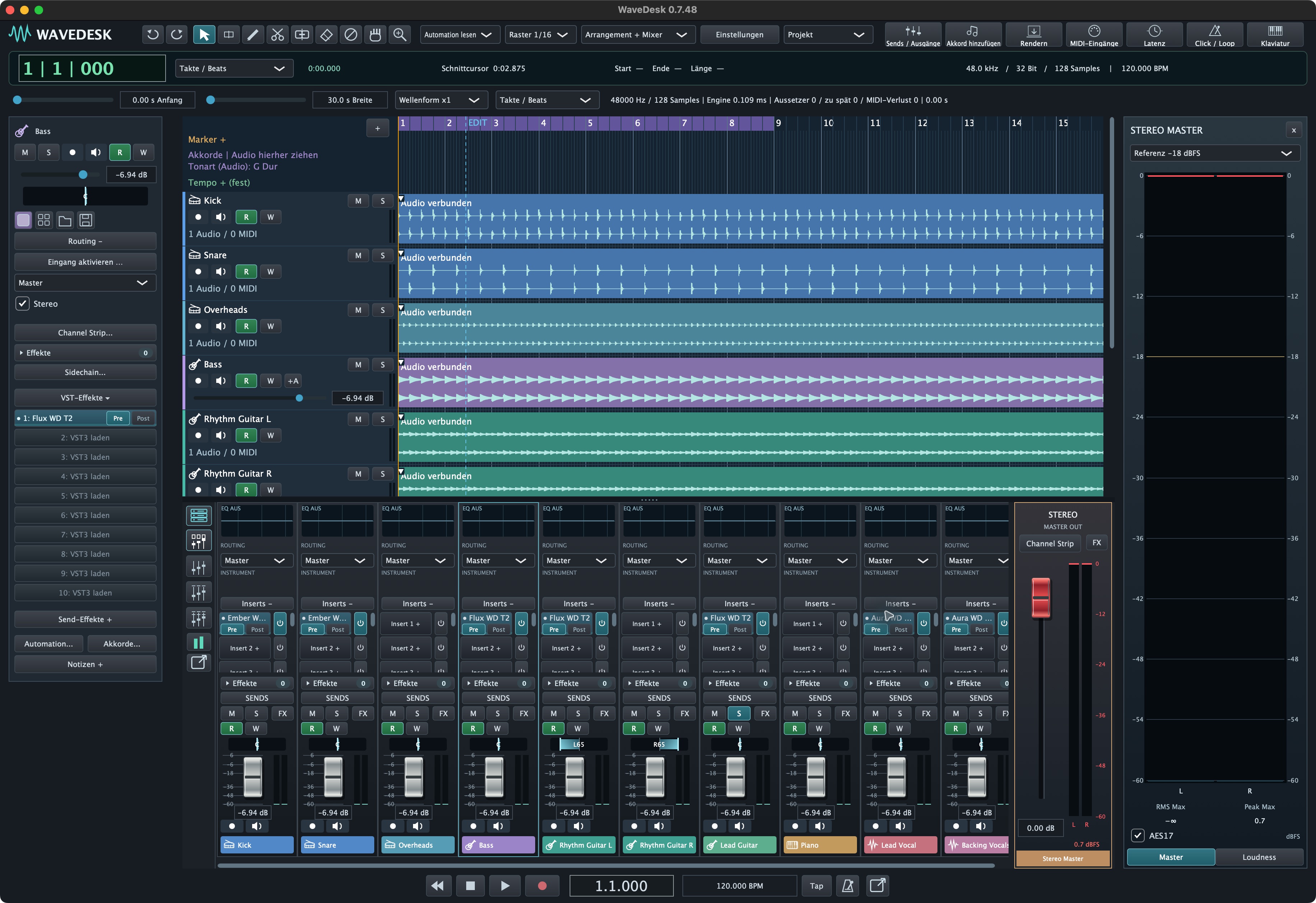
From a guitar riff to the final vocal line, give your ideas a track. Record multiple takes, find your best performance and build your song.
- ✓ Audio and loop recording
- ✓ Join clips. Shape transitions.
- ✓ Keep your original recordings
 Enlarge ↗
Beats & melodies
Find the groove.
Make it yours.
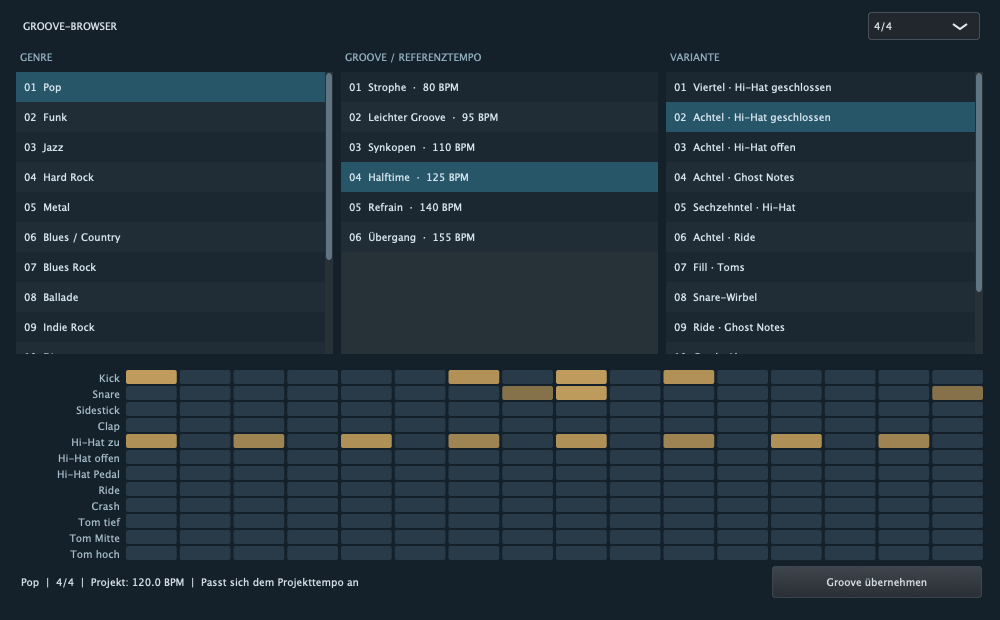
A bass line that stays with you. A pad that opens up the room. Shape beats and melodies with MIDI, your own drum samples and expressive synthesizers.
- ✓ Piano roll, drum editor and patterns
- ✓ Explore Solis and Prisma
- ✓ Expand your sound with VST3
 Enlarge ↗
Vocals
Your voice.
Centre stage.
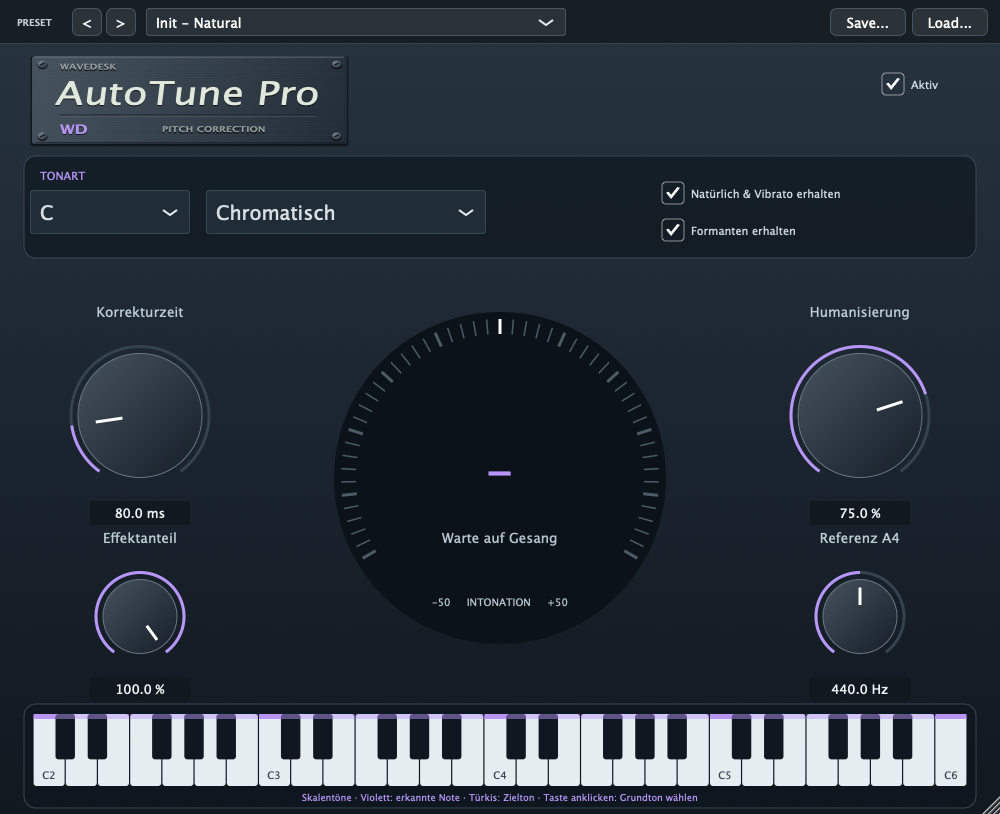
More expression, more presence, unmistakably you. Refine individual vocal notes in the vocal editor and give your voice the tone and dynamics that fit your song with Aura.
- ✓ Shape pitch and timing
- ✓ Compare with the original recording
- ✓ Shape presence and dynamics with Aura
 Enlarge ↗
Mix & space
More than loudness.
More feeling.
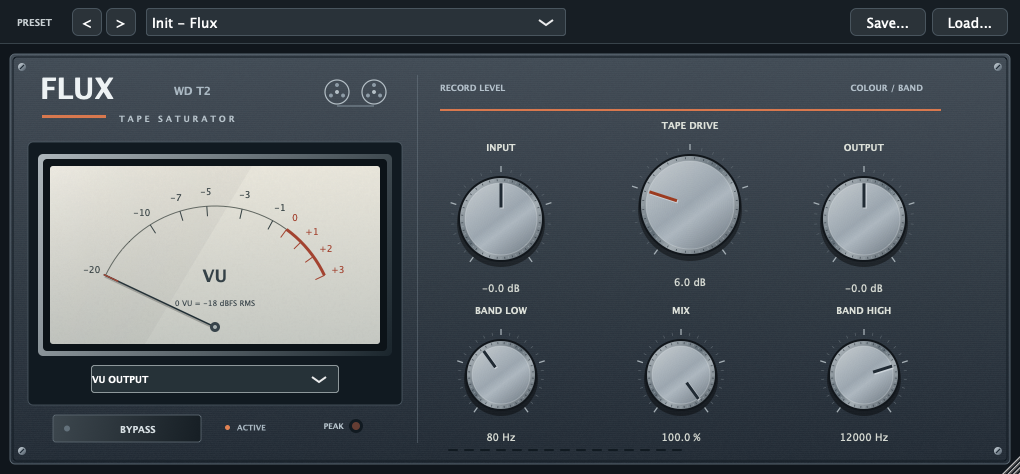
Bring your tracks together. Shape dynamics, add movement with automation and give every instrument its own place, from intimate detail to expansive space.
- ✓ Groups, sends and sidechains
- ✓ Move effects through your song
- ✓ Export your mix as WAV or MP3
 Enlarge ↗
THE WAVEDESK VST3 PLUGINS
VST plugins.
Your sonic palette.
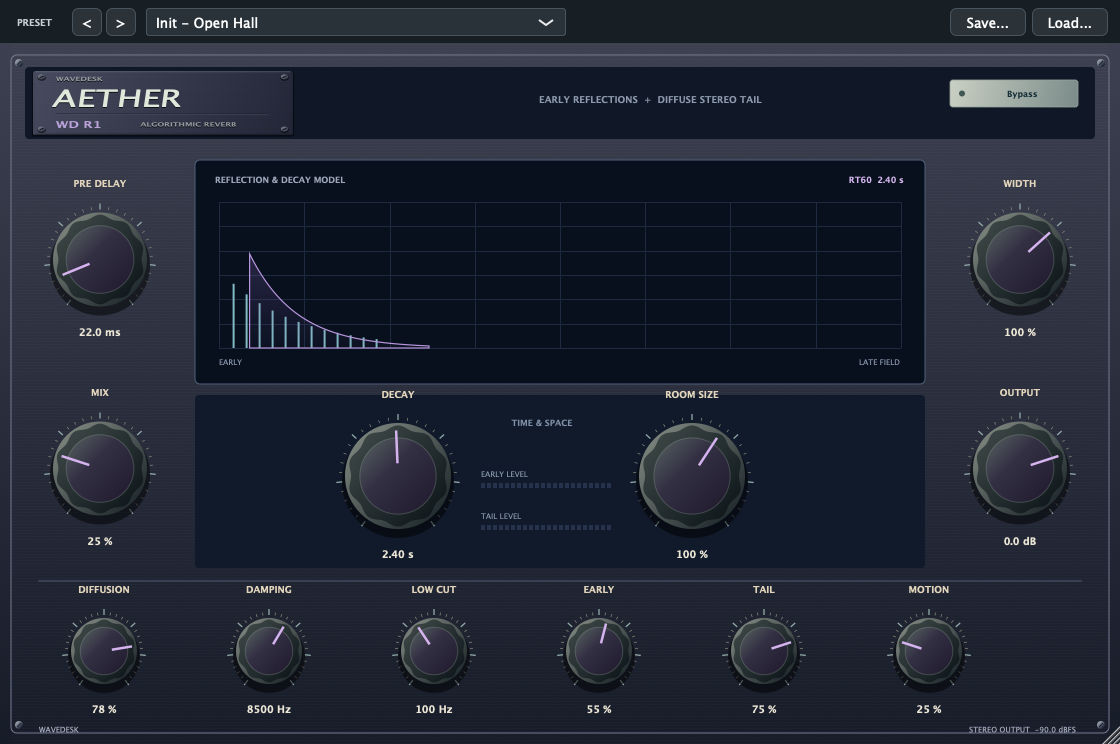
Virtual instruments, effects and analyzers as VST3 plugins for your Mac. Discover warm synths, vocals with presence and atmospheric spaces, and give your song its own sonic identity.
Explore VST plugins →
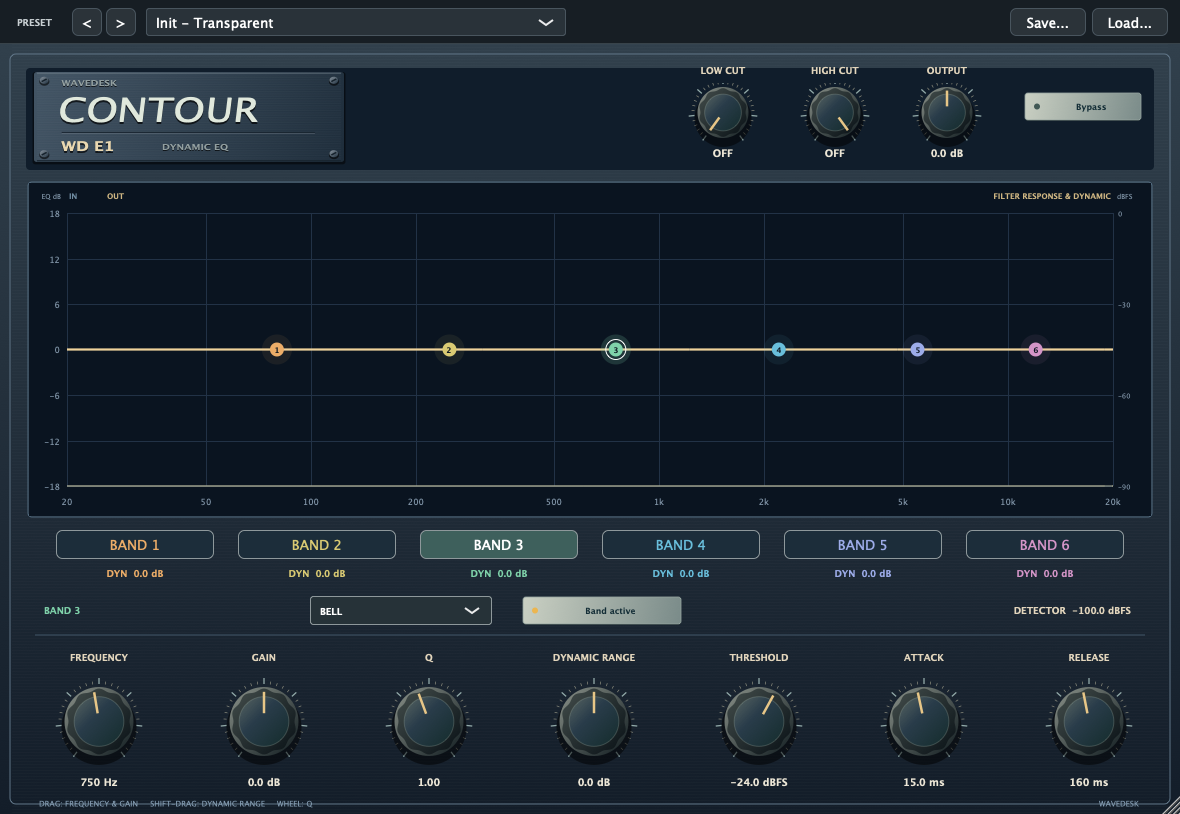
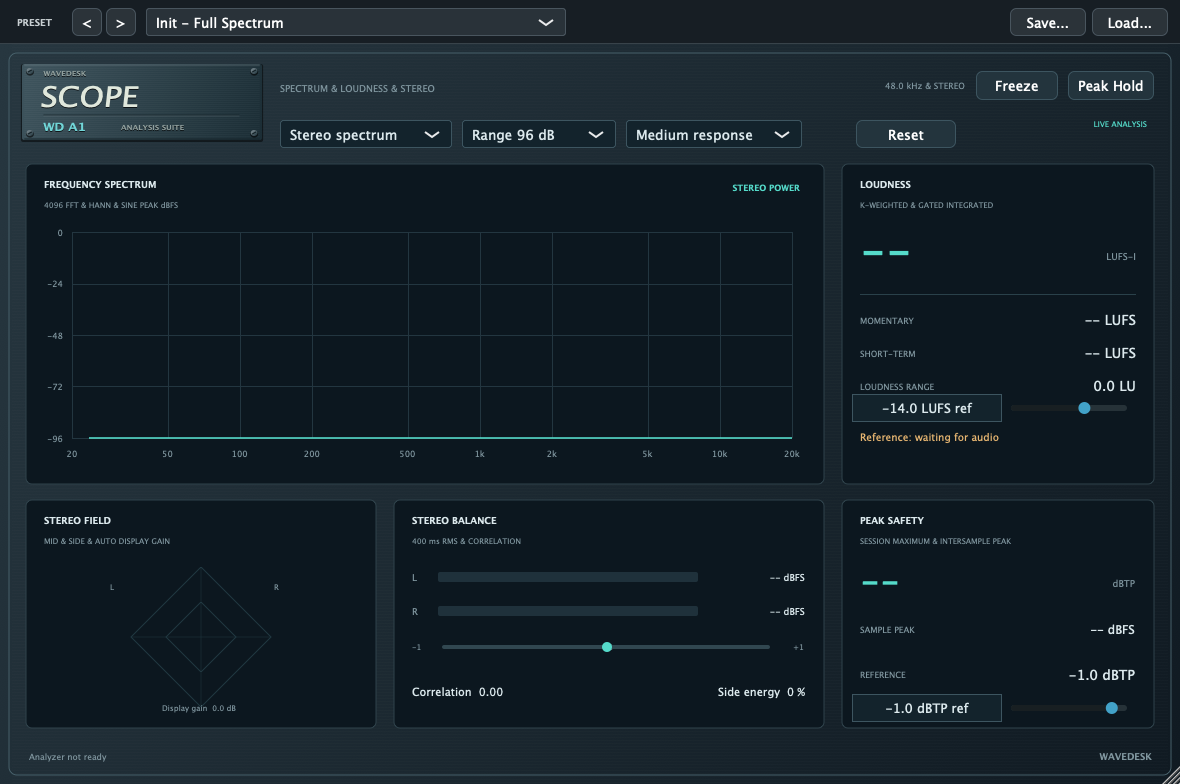
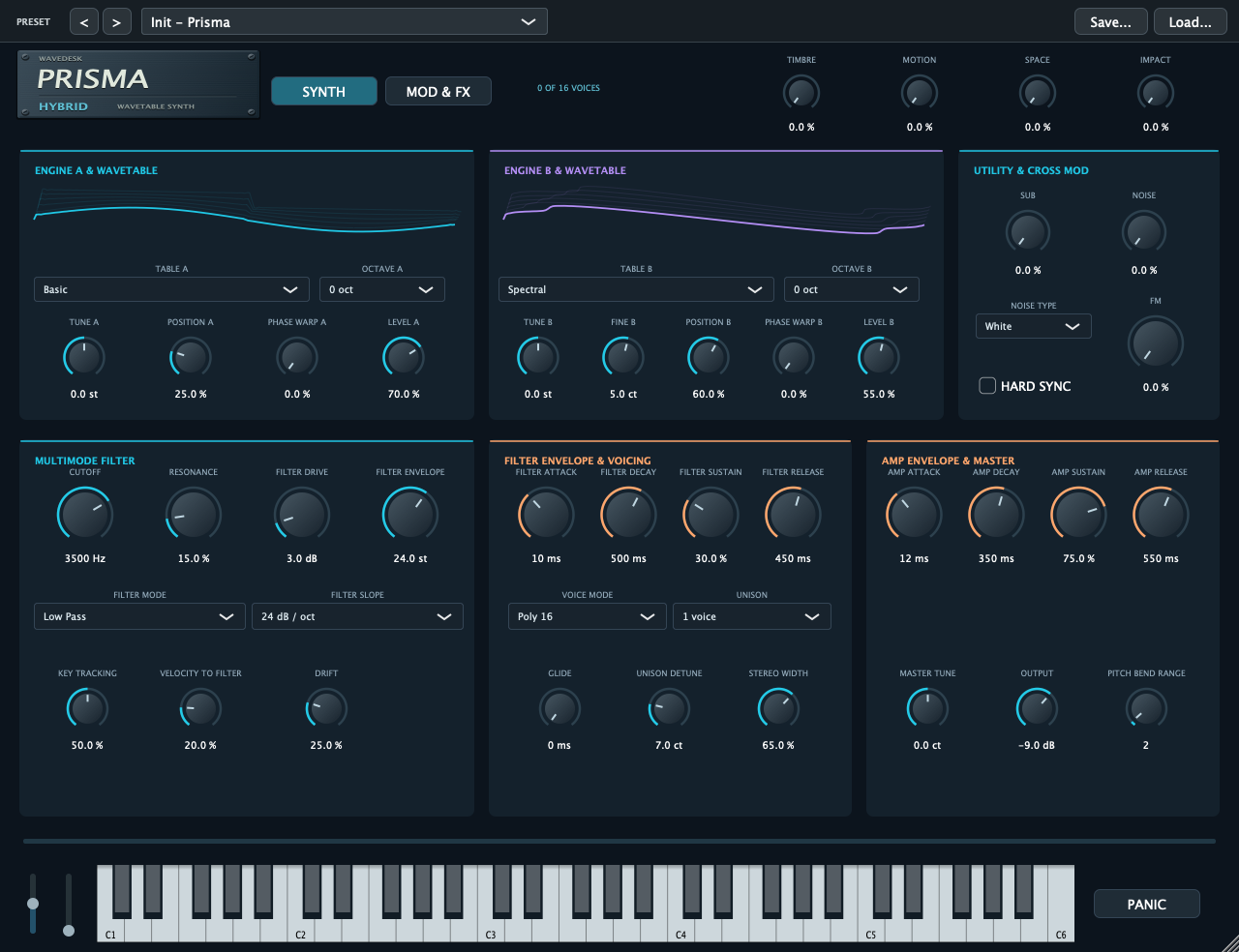 ↗
Songwriting
Turn a sketch into a song.
Find melodies, build grooves and combine virtual instruments with your own recordings.
Explore the workflow
Play a melody on your MIDI keyboard or draw your first notes straight into the piano roll. Try different pitches, adjust note lengths and velocity, and hear the mood of your idea change. Develop rhythmic phrases in the pattern sequencer and give your groove a personal colour with your own drum samples.
Combine virtual instruments with a guitar part or a vocal take. Duplicate sections, move them in the arrangement and develop verses, choruses and transitions. An idea does not have to stay a loop: build it into a complete song, one step at a time.
 ↗
Recording
The take you want to keep.
Capture takes, choose your performance and bring vocals and instruments together in the arrangement.
Explore the workflow
Record vocals, guitars and other instruments on their own audio tracks. Repeat a passage with loop recording and capture different takes without setting everything up again. Then choose the performance that fits your song, keeping your original recordings as the starting point.
Select clips across multiple tracks and work on related sections together in the arrangement. Cut, move and join recordings, then shape transitions with fades and crossfades. For a final vocal touch, edit individual notes in the vocal editor and compare your changes with the original.
YOUR WORKSPACE
Built around your sessions.
Your workspace
Save your workspace and switch between mixer views. Folder tracks, colours and favourites keep projects and plugins organised.
Your headphone mixes
Set up monitoring for your session in the control room. With suitable audio outputs, each musician can have their own headphone mix.
Your project versions
Track presets and project templates keep familiar starting points close. Configurable automatic backups complement regular saving.
 ↗
Shape every track
Limiter, gate, equalizer, compressor and de-esser in the channel strip.
 ↗
Make room for every sound
Six EQ bands and live spectrum help position vocals and instruments in the mix.
YOUR NEXT STEP
Your ideas.
Your studio.
WaveDesk and the VST3 plugins presented here are designed for Apple Silicon Macs. Public downloads are not available yet.
View purchase options ↓Explore instruments & effects →Compare editions →PURCHASE OPTIONS
WaveDesk for your studio.
Sales have not started yet. Once an offer is approved, you will find its edition, price and purchase option here.